PRODUCTIVITY BOOSTERS
Click the thumbnail images below to shop products, download apps, listen to music, or watch videos.
Timers
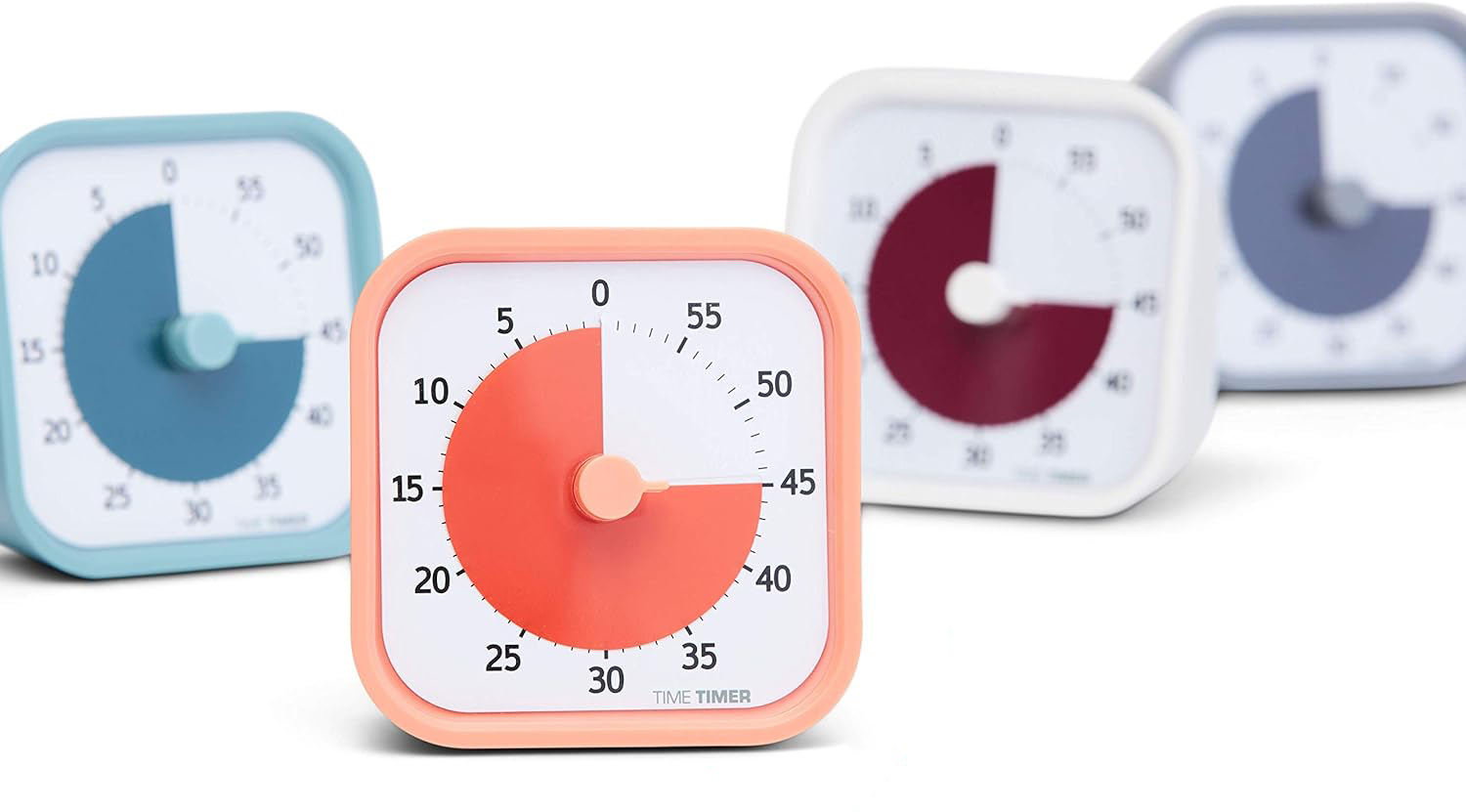
A physical visual timer (they come in lots of colors and sizes and with a variety of features)
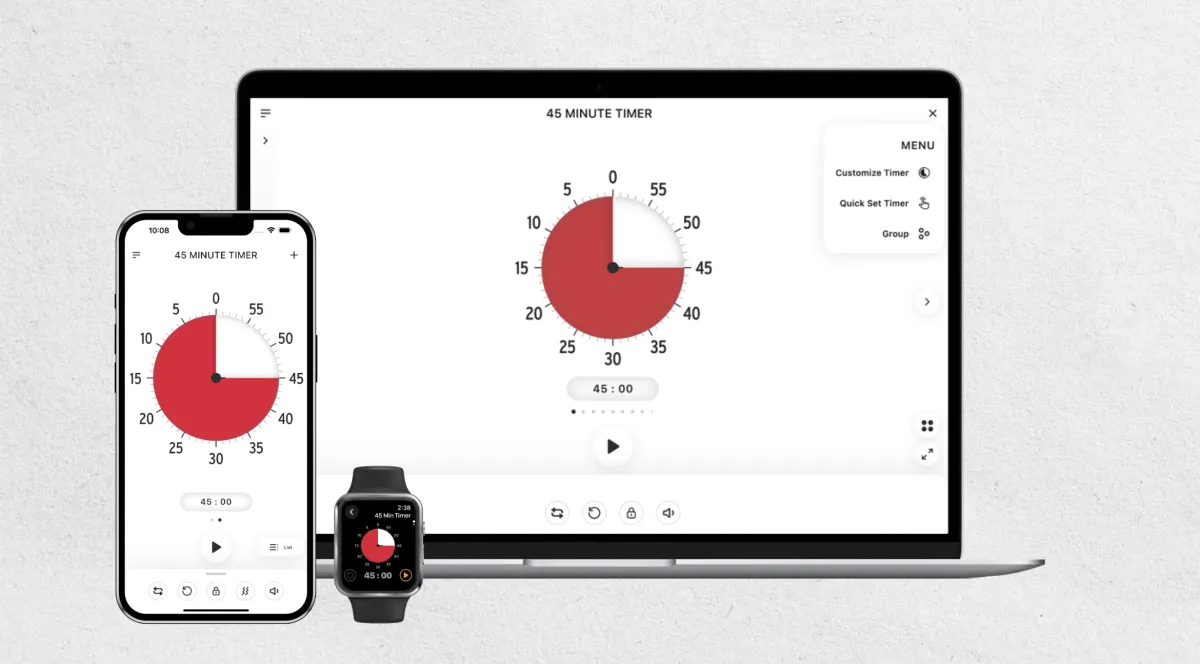
The Time Timer app in the Apple Store or Google Play Store
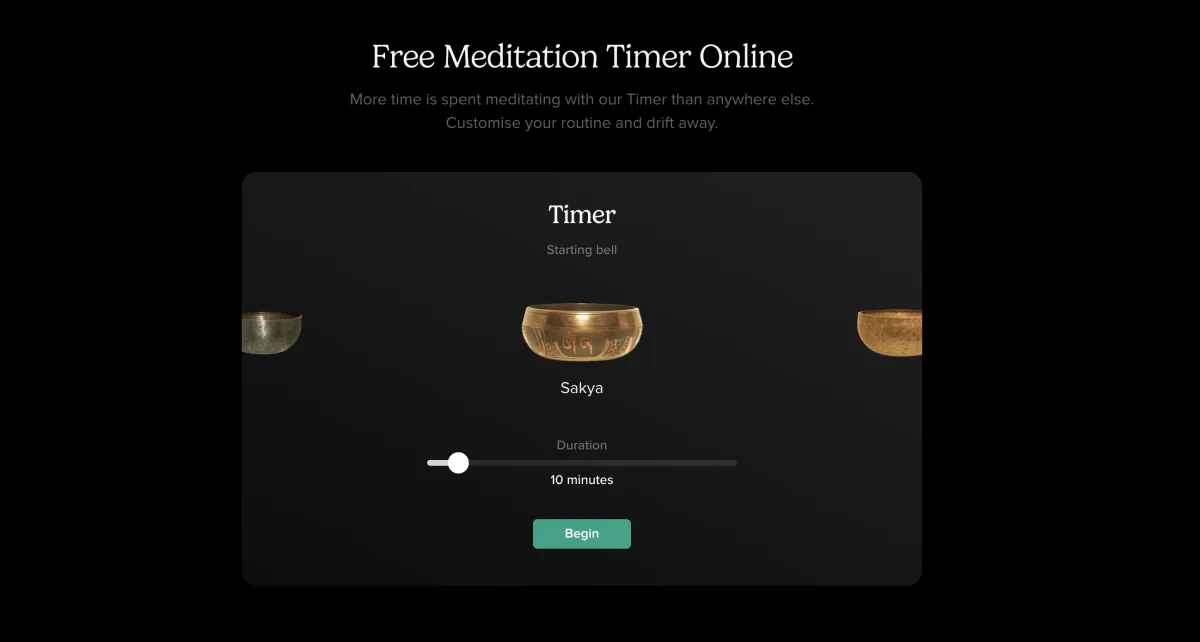
Insight Timer for mediation (or anything) on desktop browser or in the Apple Store or Google Play Store — Set your duration and then choose from soft bells or singing bowls.
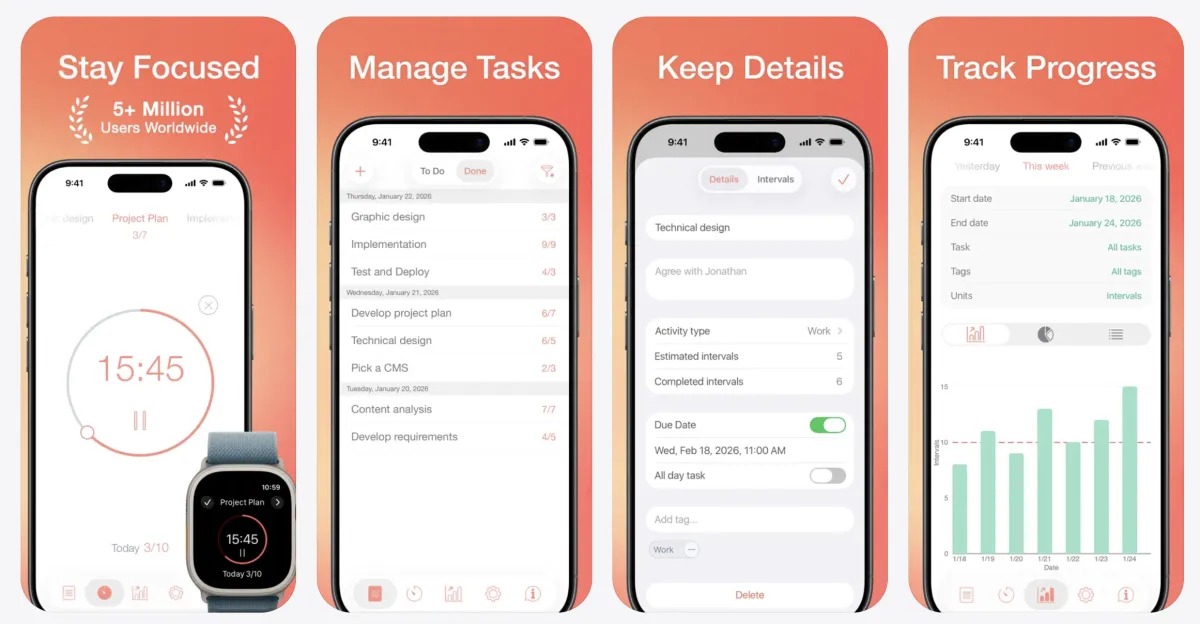
The Be Focused app in the Apple Store (not available for Android) — Create tasks (you can paste from other apps), set goals, configure breaks, and view progress reports.
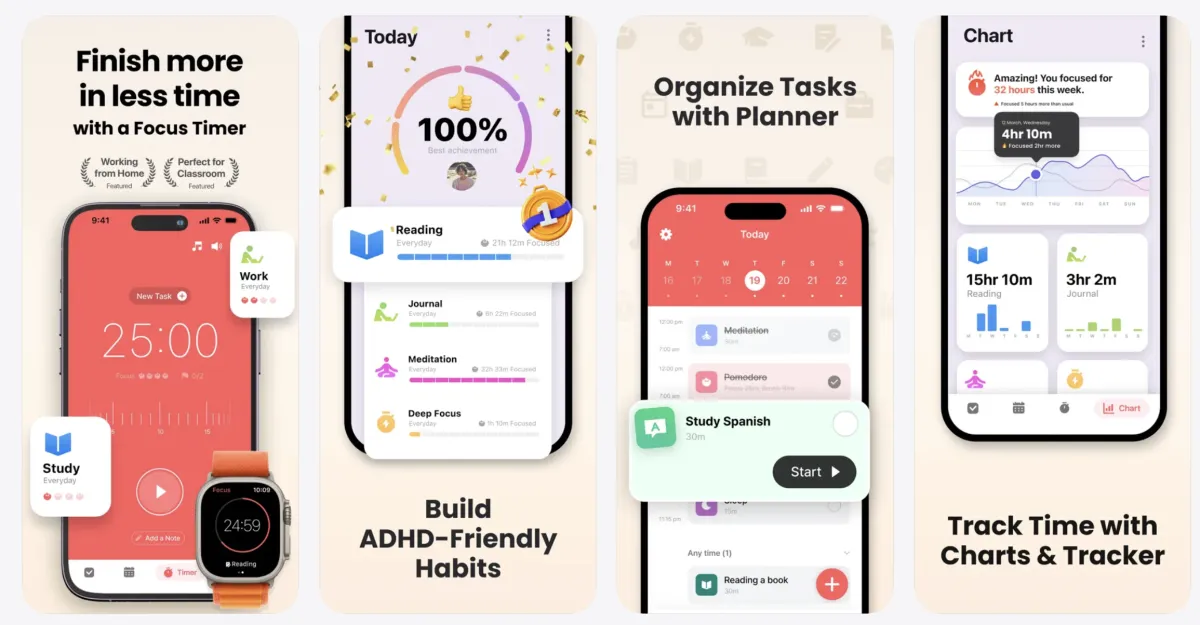
The Focus Keeper app in the Apple Store or Google Play Store — Has a built-in study tracker, customizable settings, and progress tracking.
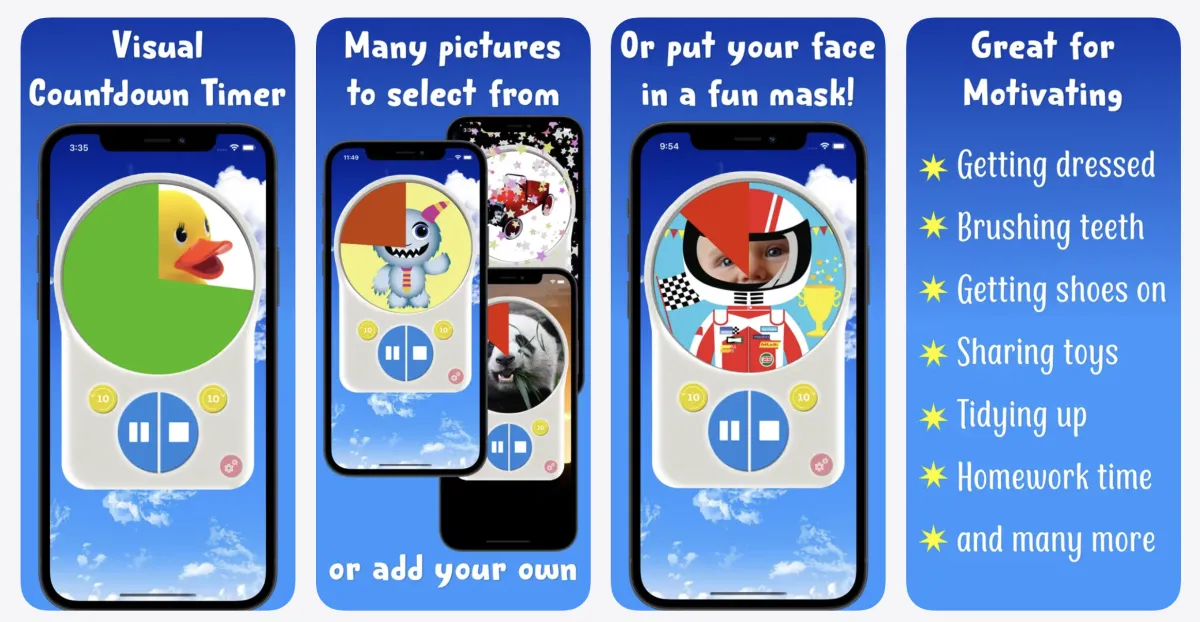
Visual Countdown Timer for kids in the Apple Store or Google Play Store — Timer runs green to amber to red, a fun picture is slowly reveals, and the picture changes to match the time of day.

Cozy Coffee Shop with 25/5 Pomodoro Timer

10-Minute Classroom Timer with Waves
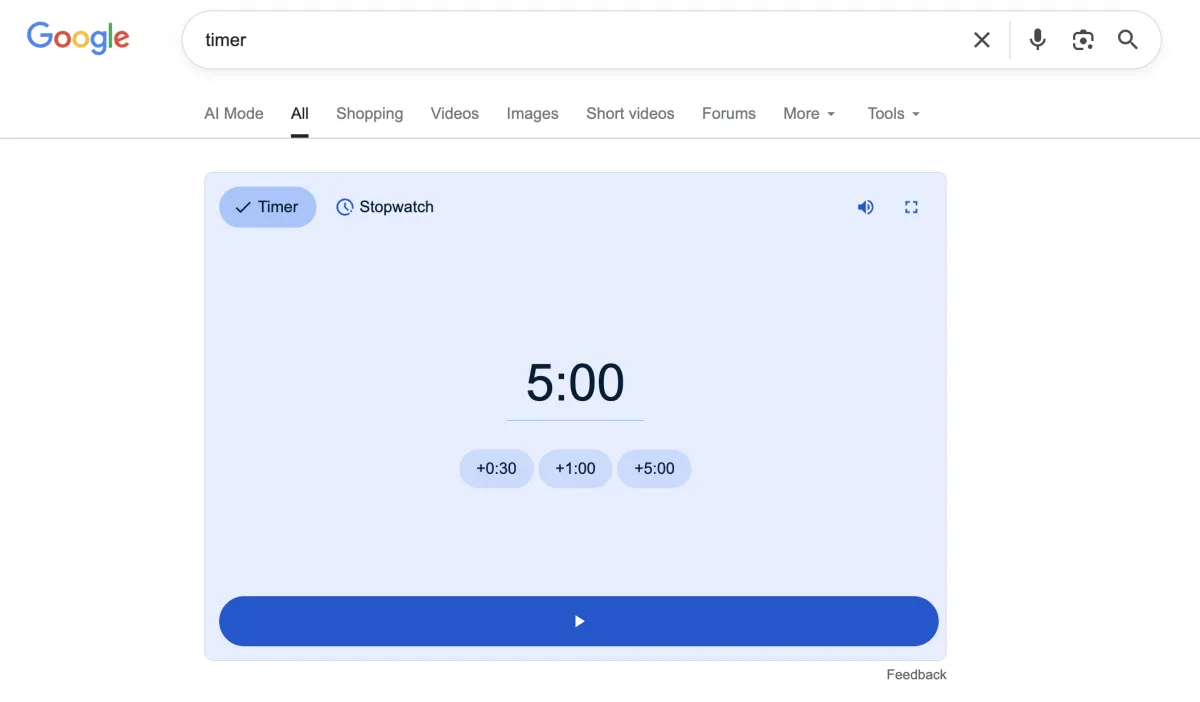
Google the word "timer" and a quick timer will pop up (can be made full screen)
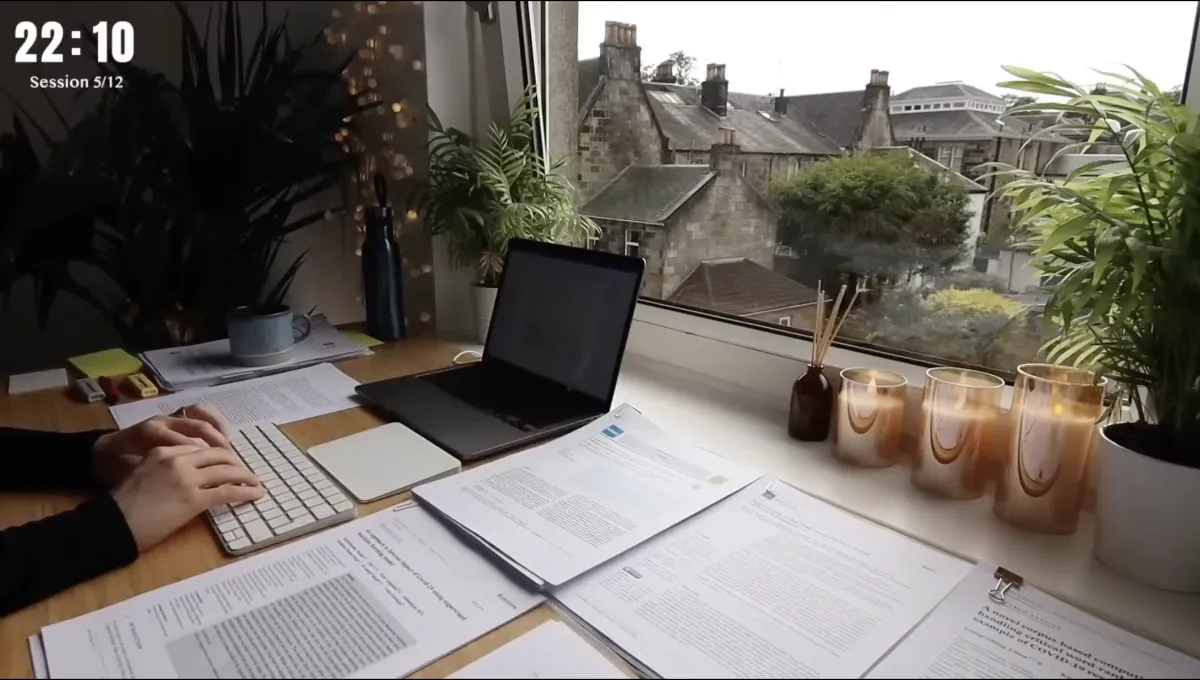
Merve's Study Corner: a "Study With Me" Pomodoro with a real person studying on screen for body doubling
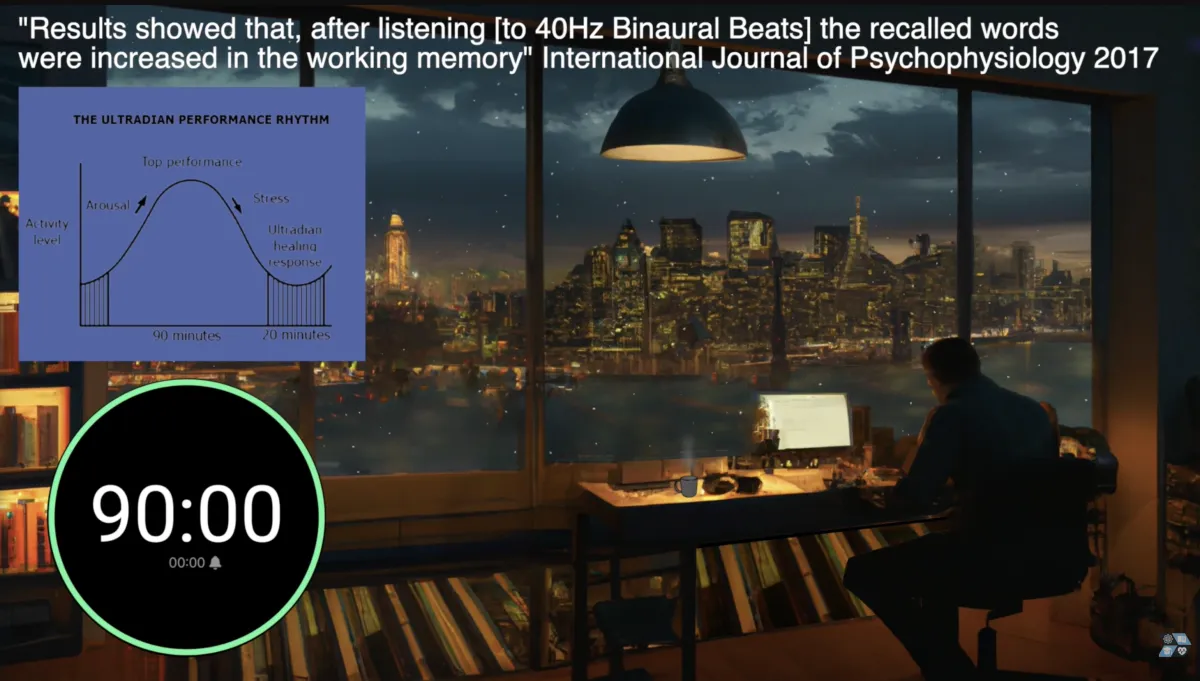
90-Minute Ultradian Rhythm/Study Timer with 40Hz Binaural Beats (use headphones)

10-minute Lava Lamp Timer
Focus Music & Sounds
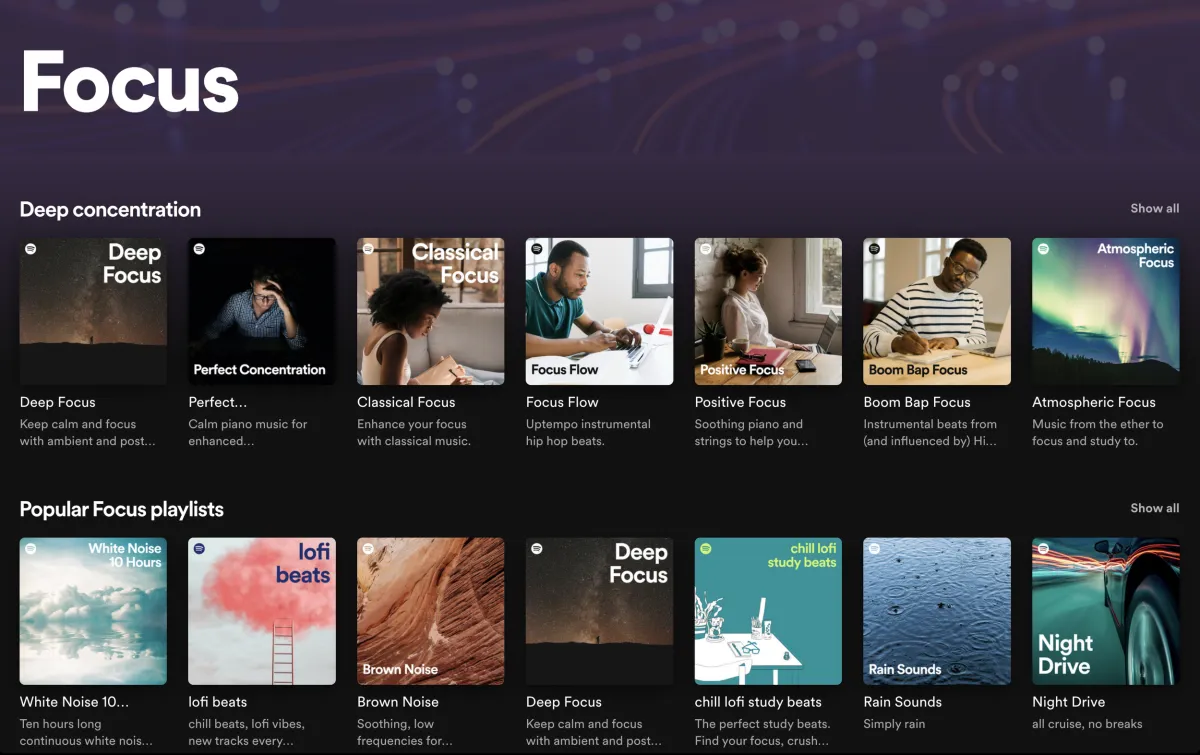
A variety of focus playlists are available on Spotify
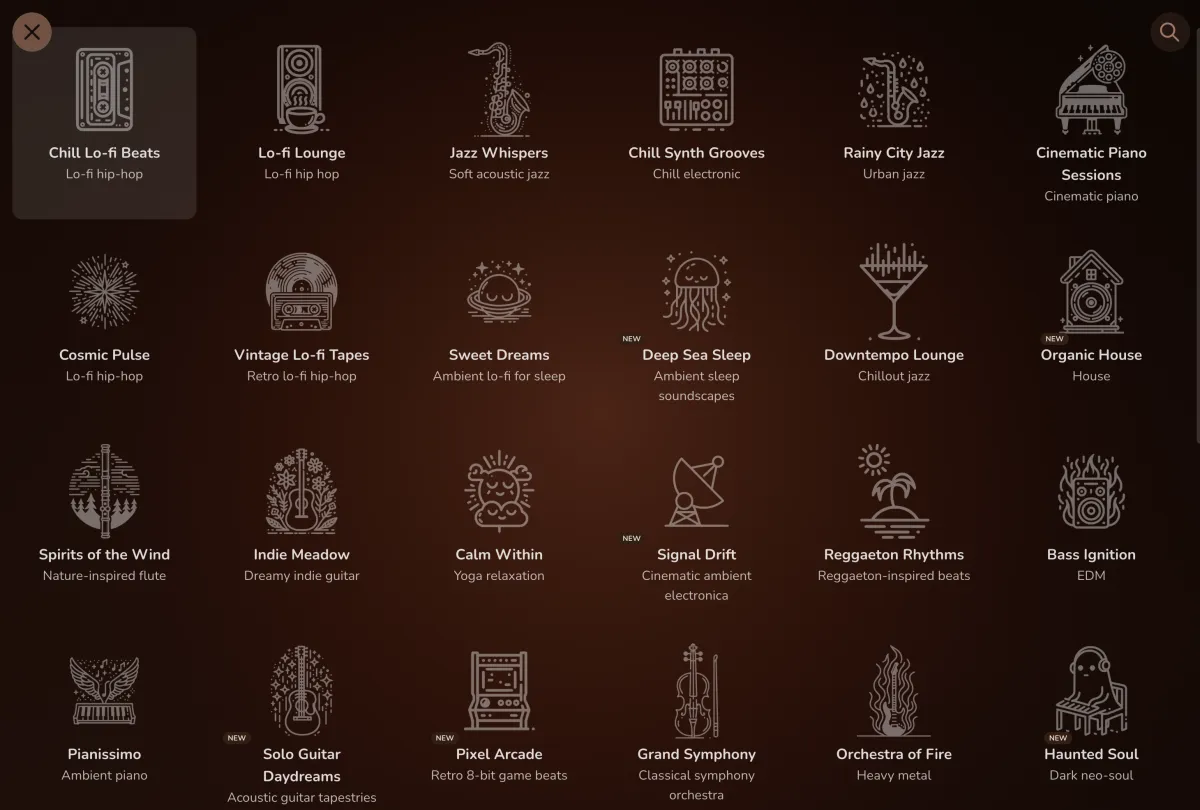
FlowTunes app for iPhone or desktop webpage with ambient sound sliders and a timer option

Deep Focus 24/7 - Ambient Music For Studying
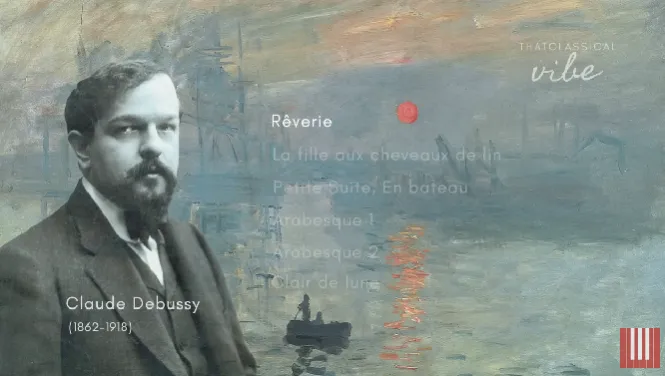
The Best of Claude Debussy (classical piano)

The Best of Piano — 30 Greatest Pieces

Kygo Piano Jam For Studying

Taylor Swift Reputation 1 Hour of Calm Piano

Cozy Jazz Music & Bookstore Cafe Ambience
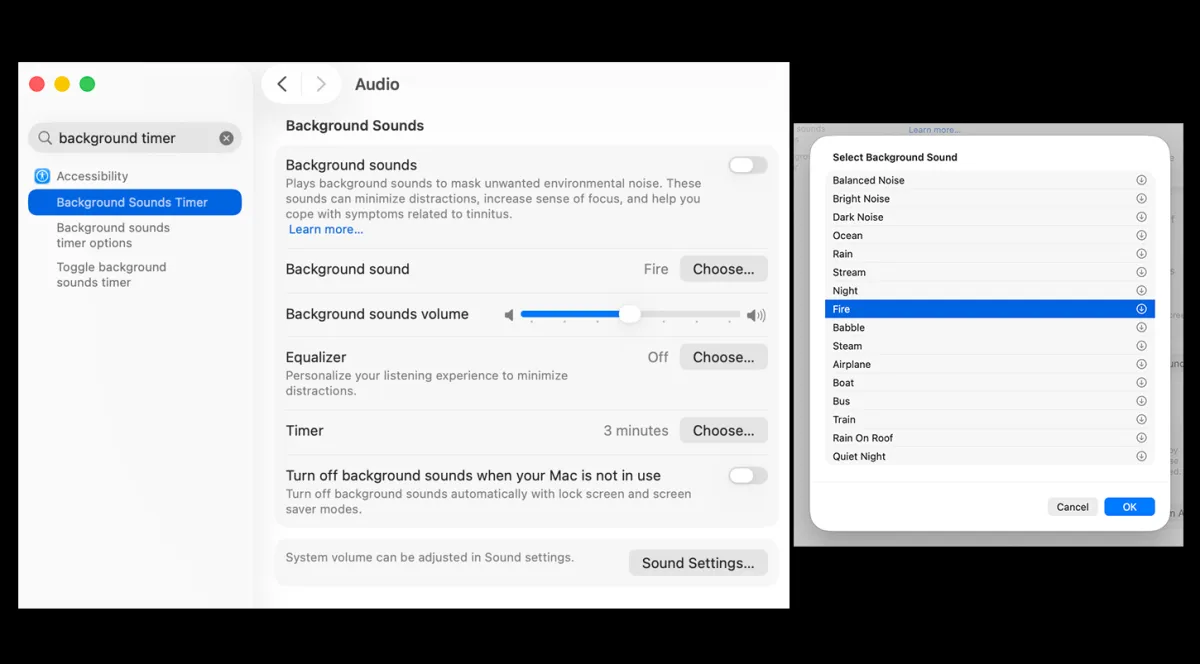
Background noise on your Mac computer with a timer option (How-to Guide)

Poké & Chill is a 16-track Pokémon remix album available on YouTube or Spotify. GameChops has tons of YouTube playlists for chill remixes of Zelda, Mario, and more.
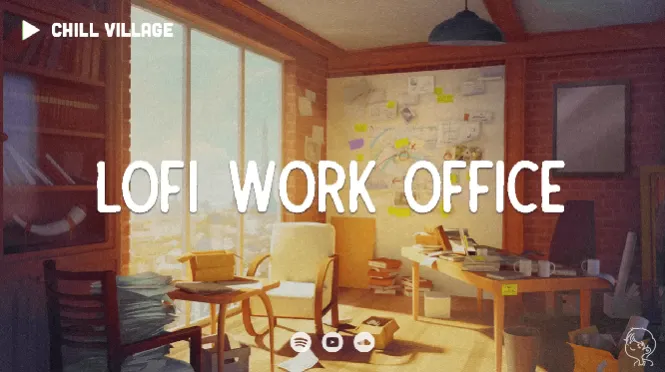
Deep Focus Lo-fi Hip-hop Beats

Cozy Rainy Day Lo-fi Beats
Body Doubling
Body doubling is the practice of working alongside another person—in the same room or virtually—to help your brain stay on task. For many people with ADHD or executive function challenges, the presence of another person (even a stranger) activates focus and follow-through in a way that working alone simply doesn't. You don't have to talk, collaborate, or even check in with each other. Just showing up together is often enough.

Try a virtual body doubling platform. FocusMate offers free sessions (3/week) where you're paired with a stranger for a 50-minute work block. Flow Club is a more structured option ($40/month, with 50% off for students and nonprofits). StudyStream, Discord study servers, and Twitch streamers who body double are also worth exploring—there's a format for every preference.

Use a coworking space or a more public area at work. Sometimes all you need is a change of scenery with other people around. A shared office, library study room, or even an open common area can replicate the "someone else is working, so I should too" effect.

Find a coffee shop or library that works for you. The ambient energy of a café or public library can be surprisingly effective—but placement matters. Try to sit facing a wall or window rather than foot traffic, so people-watching doesn't become your main activity.

Work alongside a friend or family member. You don't need a formal setup—just a willing companion. Whether it's a friend on FaceTime or a family member at the kitchen table, having someone nearby who's also doing something productive can make a real difference.

Move your work to a more communal space at home. The living room, kitchen table, or even a covered porch can shift the energy. The subtle social awareness of a shared space—even if no one's watching—can help with accountability in a low-pressure way.

Search "study with me" or "clean with me" on YouTube. These videos give you the feel of working alongside someone without any coordination required. Many are hours long, some include ambient sound or lo-fi music, and there's a huge range of styles to match your vibe.
Focus Apps
Sometimes your phone is the problem and the solution. These apps use timers, rewards, and a little bit of whimsy to make focused work feel more manageable—and even satisfying.
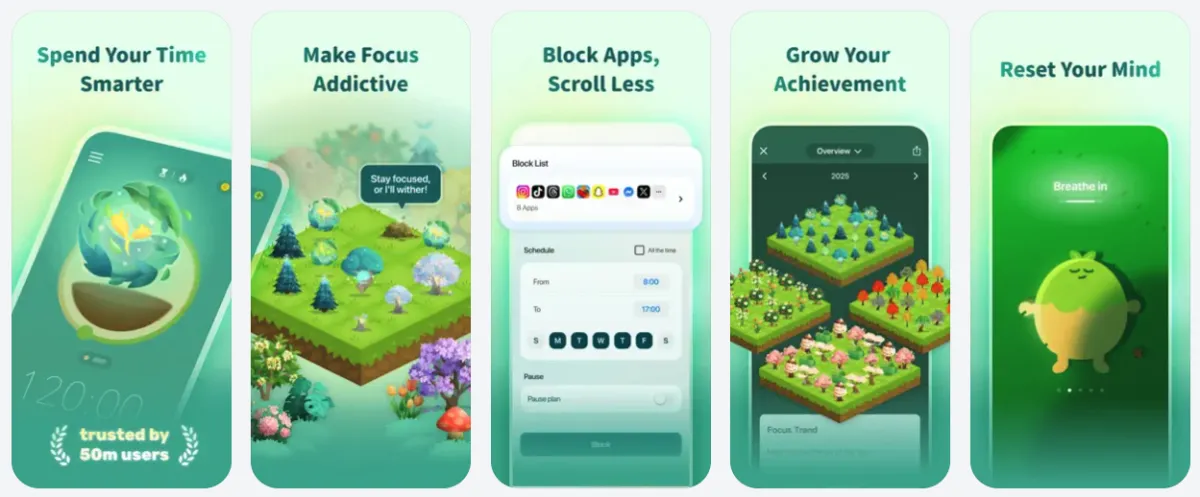
Forest App Set a timer and plant a virtual tree. Your tree grows while you stay focused and dies if you leave the app. Over time, you build an entire forest that represents your accumulated focus sessions—a visual record that's genuinely motivating to protect. Real trees are also planted through the platform, so your productivity has a tangible real-world payoff too.
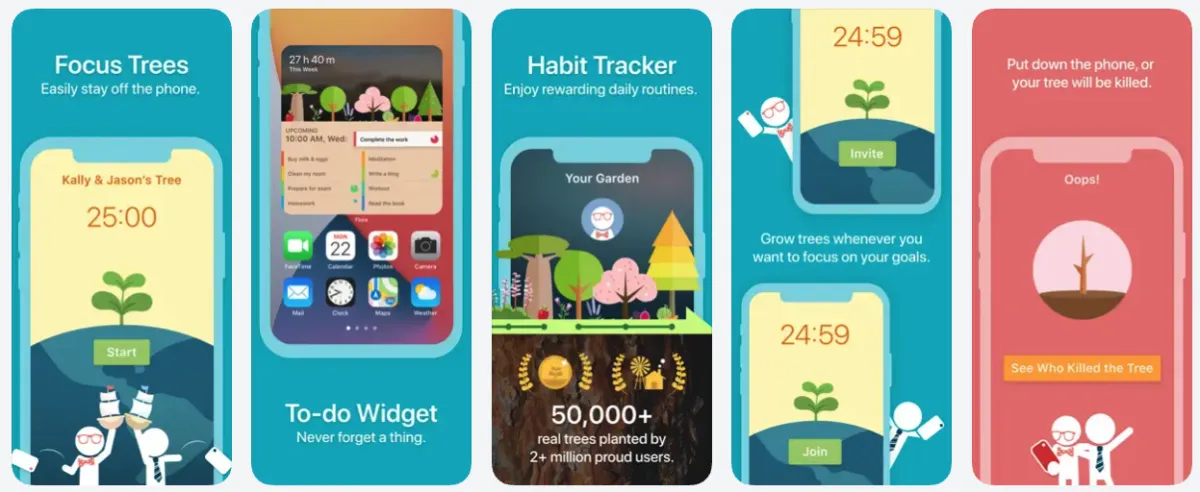
Flora App/Browser Extension Similar to Forest, but with a social twist. Invite friends to grow a shared garden together, and if anyone opens their phone mid-session, your collective plant takes a hit. The added layer of social accountability makes it a great option for study groups, siblings, or anyone who works better when others are in it with them.
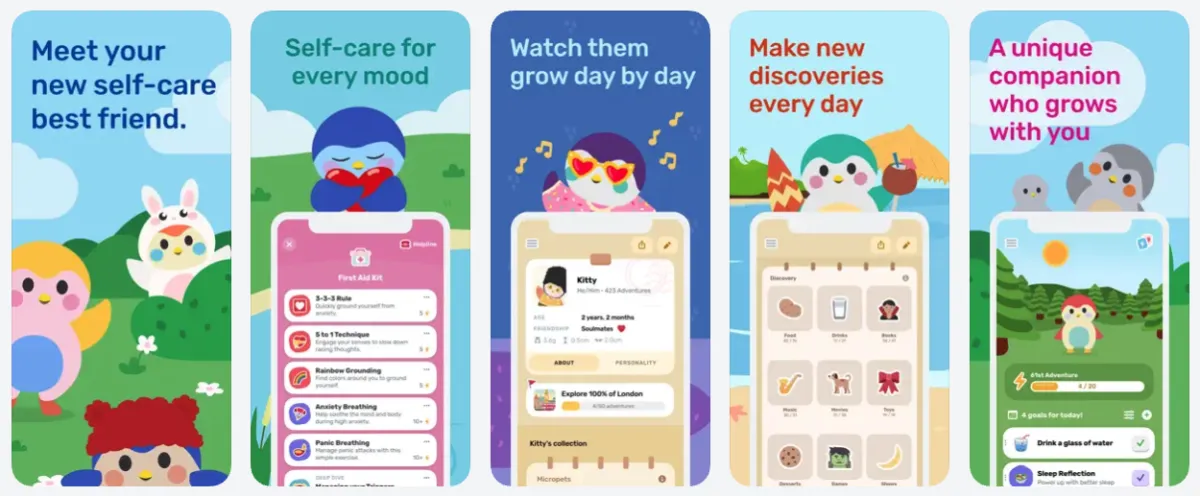
Finch App A self-care and focus app centered around a little bird you raise over time. You complete goals and go on "adventures" together, which helps your bird grow and unlock new items for its world. It's especially popular with people who respond better to nurturing-based motivation—the relationship with your bird builds gradually, which makes it feel meaningfully different from a plain timer.
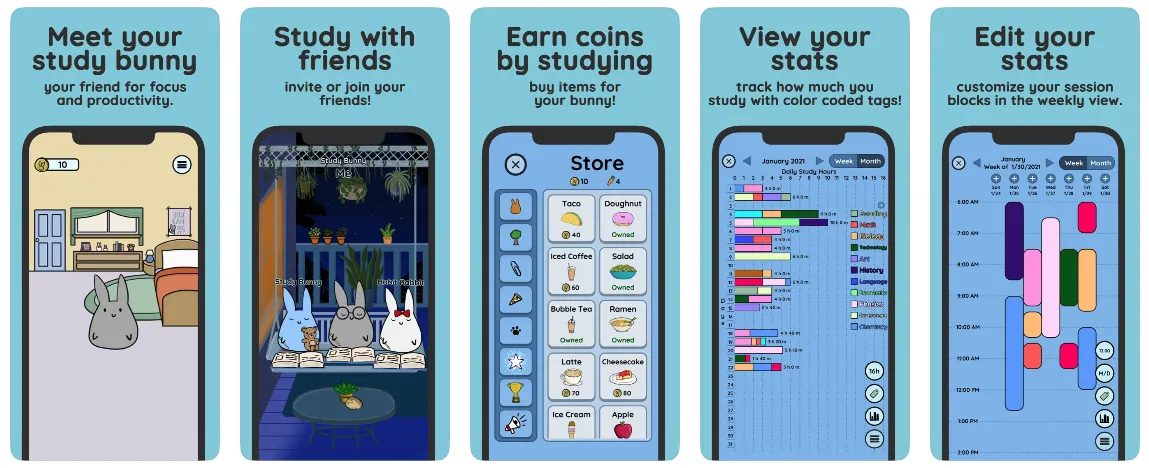
Study Bunny App A focus timer where you earn coins for every session you complete, then spend them decorating a cozy room for your bunny companion. The more you focus, the more your space fills out—which makes it a great fit for people who are drawn to visual progress and customization as a reward. It's low-pressure, cheerful, and easy to pick up and put down without losing momentum.
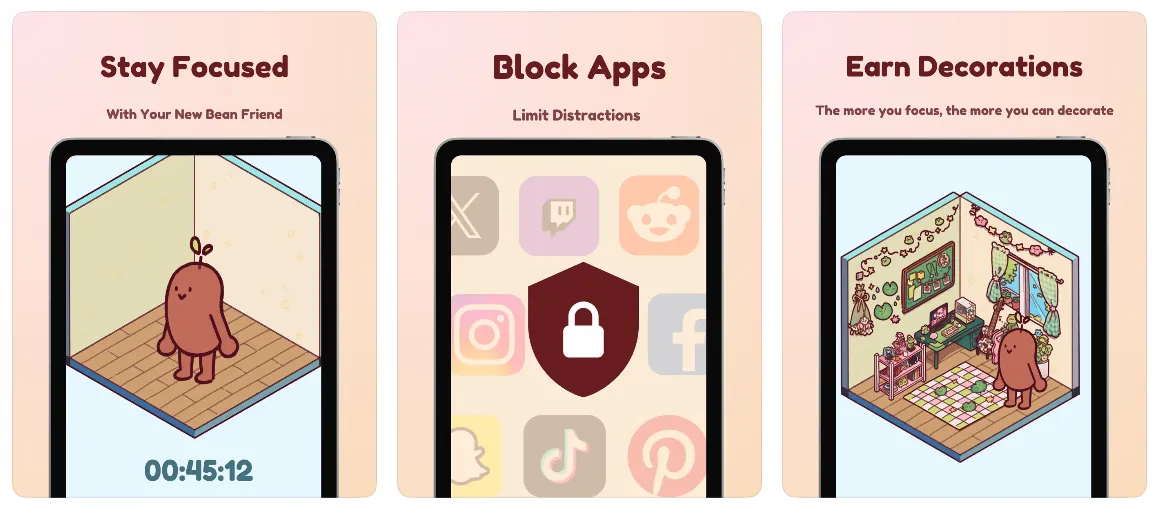
Focus Friend App Created by educator and YouTuber Hank Green, this free ADHD-friendly timer is built around a tiny cartoon bean who really, really wants to knit. Your bean works on its scarves and socks while you focus—but pick up your phone and it drops its stitches and gets sad, which turns out to be a surprisingly effective deterrent. Complete your session and your bean rewards you with prizes to decorate its cozy room.
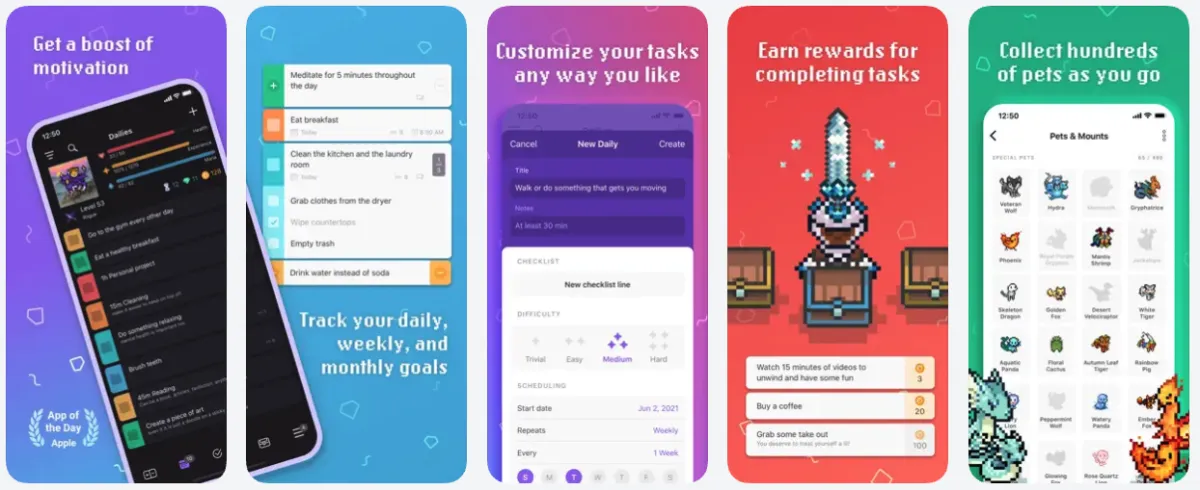
Habitica App A free habit tracker and to-do list that turns your real-life tasks into an RPG adventure. You create a character, and every habit you build, daily task you complete, and to-do you check off earns you experience points, gold, and gear. Miss your tasks and your character loses health. You can also join a party with friends and go on quests together, making accountability genuinely fun rather than guilt-driven. It's a great fit for people who are motivated by leveling up, collecting things, or who just need their brain to feel like productivity is a game worth playing.
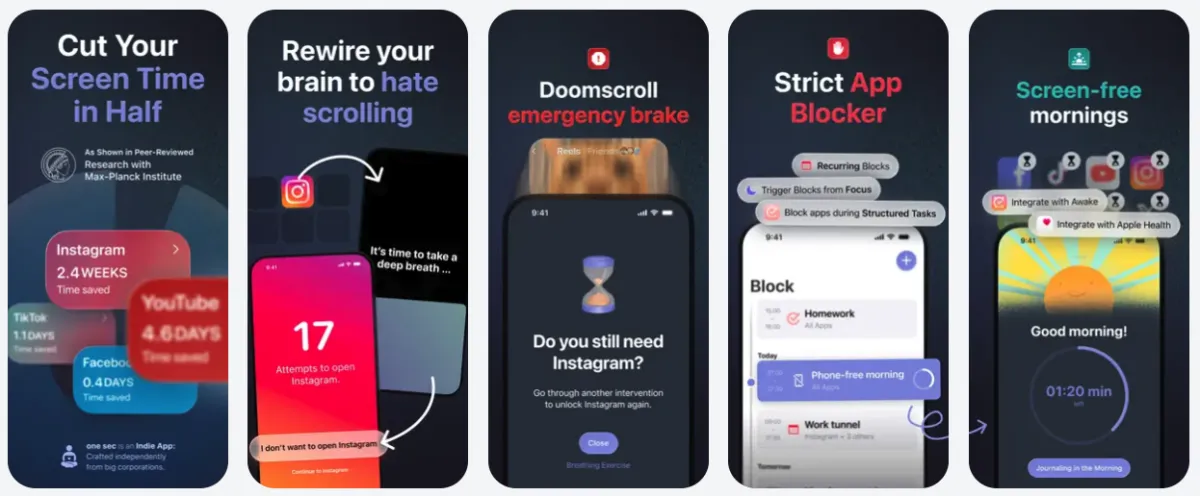
One Sec App Rather than blocking apps outright, One Sec adds a single moment of intentional pause before you can open a distracting app. Tap Instagram or TikTok and it prompts you to take a breath first—just enough friction to interrupt the automatic habit loop and make the choice a conscious one. It also tracks how often you've redirected yourself, which can be genuinely validating over time. Best for: people who want awareness and agency, not a hard wall.
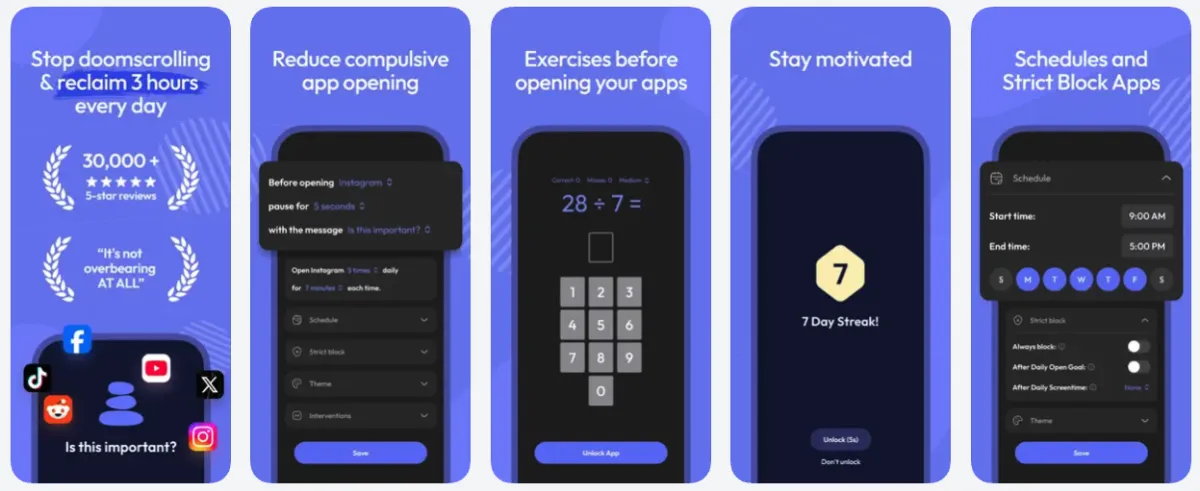
Screen Zen App A similar friction-based approach to One Sec, but with more flexibility in how you configure the pause. You can set different delay lengths for different apps, add a custom intention prompt, or require a specific action before an app opens—making it easy to match the level of resistance to the level of temptation. Best for: people who want friction with more customization options.
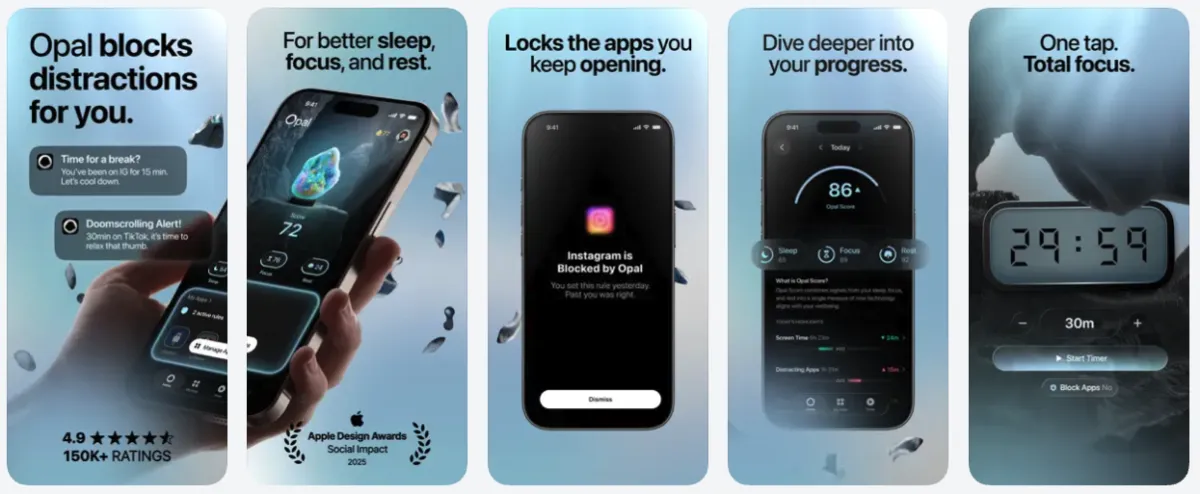
Opal App A full app blocker. During a focus session—whether scheduled in advance or triggered manually—the apps you've designated are simply inaccessible. There's no pause, no negotiating with yourself, no "just this once." Best for: people who know that given any opening, they'll take it, and would rather remove the choice entirely. Users enjoy the social aspects of the app.


© 2026 Level Up Executive Function Coaching. All rights reserved.